About Duet Display
** Attention Valued Users! ** If you’ve previously purchased our app, we have exciting news for you! We’re introducing a brand-new plan, specially tailored for our loyal users like you. To ensure you’re transitioned...
** Attention Valued Users! **
If you’ve previously purchased our app, we have exciting news for you! We’re introducing a brand-new plan, specially tailored for our loyal users like you. To ensure you’re transitioned seamlessly and to get the most out of your experience, please reach out to us.
Email Us: [team@duetdisplay.com]
Subject: “Prior Purchase Transition”
Kindly include your original order number or transaction ID for faster processing. Our dedicated support team will guide you through the next steps. We appreciate your continued support and are eager to enhance your experience with our app!
-----
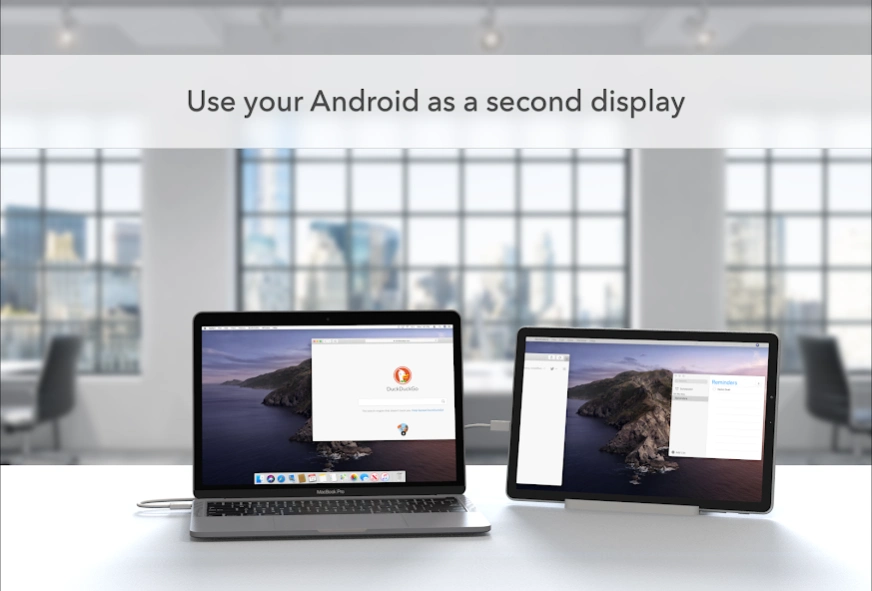
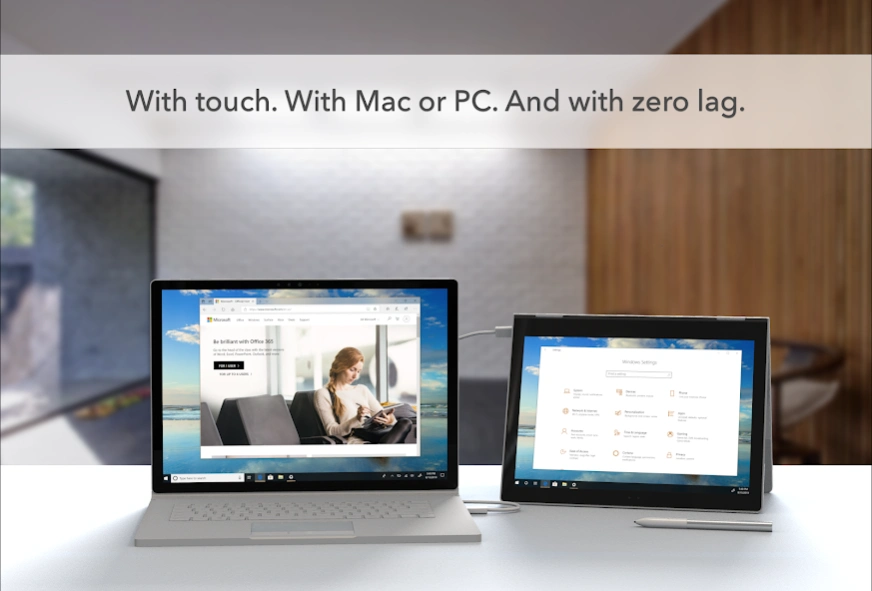
Duet turns your Android phone, tablet, or Chromebook into the most advanced extra display for both Mac & Windows PC. Developed by a team of ex-Apple engineers, Duet offers unparalleled performance and display quality - all with zero lag.
— DO MORE —
Be twice as productive by multitasking with two screens. And for those that travel, have a portable way to stay productive.
— INCREDIBLY SIMPLE —
To get started, open Duet on your device and the free Duet desktop app will automatically detect your device that you can click to connect, and transform it into a high performance touchscreen display.
— TOUCHSCREEN —
Interact with Mac & PC like never before, with touch & gestures, including two-finger scrolling, pan and zoom.
And with our latest release, you can even add a touch bar to any Android with any Mac.
— PRESS —
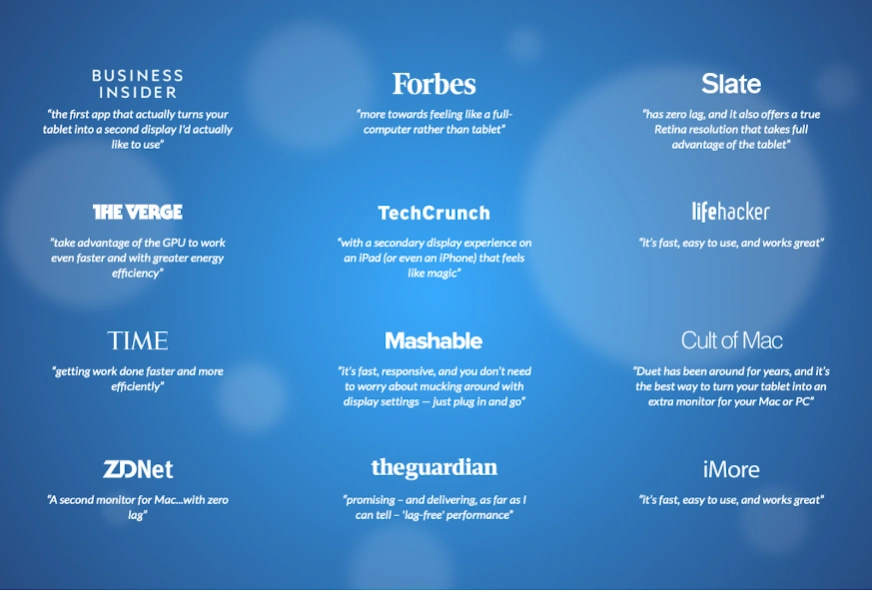
TIME - "Getting Work Done Faster and More Efficiently"
Forbes - "The simple thing to note is this...Duet Display works."
Business Insider - "Zero lag and true retina resolution”
Wall Street Journal - “It’s as easy as just plugging it in"
— REVIEWS —
“Awesome! My iPad Pro can be an extra monitor! Cool app”
~CEO of T-Mobile, John Legere
Duet Works With:
All Androids with 7.0+
All Macs with 10.14 (Mojave) and later
All PCs with Windows 10 and later
Duet Display uses the Android Accessibility service as a foreground service to project media to display your Mac or PC content on the Android device
Learn more at http://www.duetdisplay.com
Terms: https://help.duetdisplay.com/duet-terms-services
Privacy Policy: https://help.duetdisplay.com/duet-privacy-policy
Previous Versions
Here you can find the changelog of Duet Display since it was posted on our website on 2019-10-05 12:31:06.
The latest version is 0.7.1.2 and it was updated on 2026-10-12 16:28:36. See below the changes in each version.
Duet Display version 0.7.1.2
Updated At: 2026-08-31
Changes: Stability improvements and bug fixes
Duet Display version 0.7.1.0
Updated At: 2026-05-01
Changes: - Redesigned subscription plans screen with native pricing cards
- Stability improvements and bug fixes
Duet Display version 0.7.0.14
Updated At: 2026-03-30
Changes: - Adds a bug fix for wired connections failing to connect occasionally with AMD devices
- Optimizes connection establishing latency
- Adds extra support for some older Android devices still using Android OS 8, 9, and 10.
- Adds support for 16KB page reads
Duet Display version 0.7.0.9
Updated At: 2025-10-07
Changes: - Optimizes connection performance
- Enhances security with mutual TLS for all connections
- Adds compatibility with newest Duet Display Windows + Mac versions
- Updates support for Android 15 compatibility
Duet Display version 0.6.2.0
Updated At: 2025-10-07
Changes: For ad tier users: If ads repeatedly fail to load, grants temporary access to ad-tier connections.
Duet Display version 0.6.1.0
Updated At: 2025-05-07
Changes: - Updates UI to improve default ad tier experience
- Improves localization and translations
- Decreases memory footprint of application in use
Duet Display version 0.6.0.0
Updated At: 2024-12-10
Changes: - Adds a new default free tier where you can watch an ad to get 24 hours of free use!
- Adds more latency optimizations
Duet Display version 0.5.5.0
Updated At: 2024-12-10
Changes: Keyboard enhancements: Improved usability of on-screen keyboards for mirrored connections
Enhanced performance: Improved efficiency of packet handling, decreased latency and lag spikes
Duet Display version 0.5.4.4
Updated At: 2024-10-29
Changes: Keyboard improvements: Updated onscreen keyboard usability during an active connection.
Rendering Improvements: Improved rendering when Android resources are scarce.
Duet Display version 0.5.4.2
Updated At: 2024-09-23
Changes: Updated permissions: To ensure availability on all Chromebooks, updated USB permissions. Updates Foreground permissions used for Android 14 migration.
Updated Metrics: Improved error monitoring to focus on issues affecting the most customers
Disclaimer
Official Google Play Link
We do not host Duet Display on our servers. We did not scan it for viruses, adware, spyware or other type of malware. This app is hosted by Google and passed their terms and conditions to be listed there. We recommend caution when installing it.
The Google Play link for Duet Display is provided to you by apps112.com without any warranties, representations or guarantees of any kind, so access it at your own risk.
If you have questions regarding this particular app contact the publisher directly. For questions about the functionalities of apps112.com contact us.